A more stable broadcast
Equipment matched to the room reduces the risk of problems with picture, sound or stream smoothness.
Solutions
A stable broadcast needs the right technical setup. We supply council chambers with cameras, microphones, computers and other audio-video solutions.
About the solution
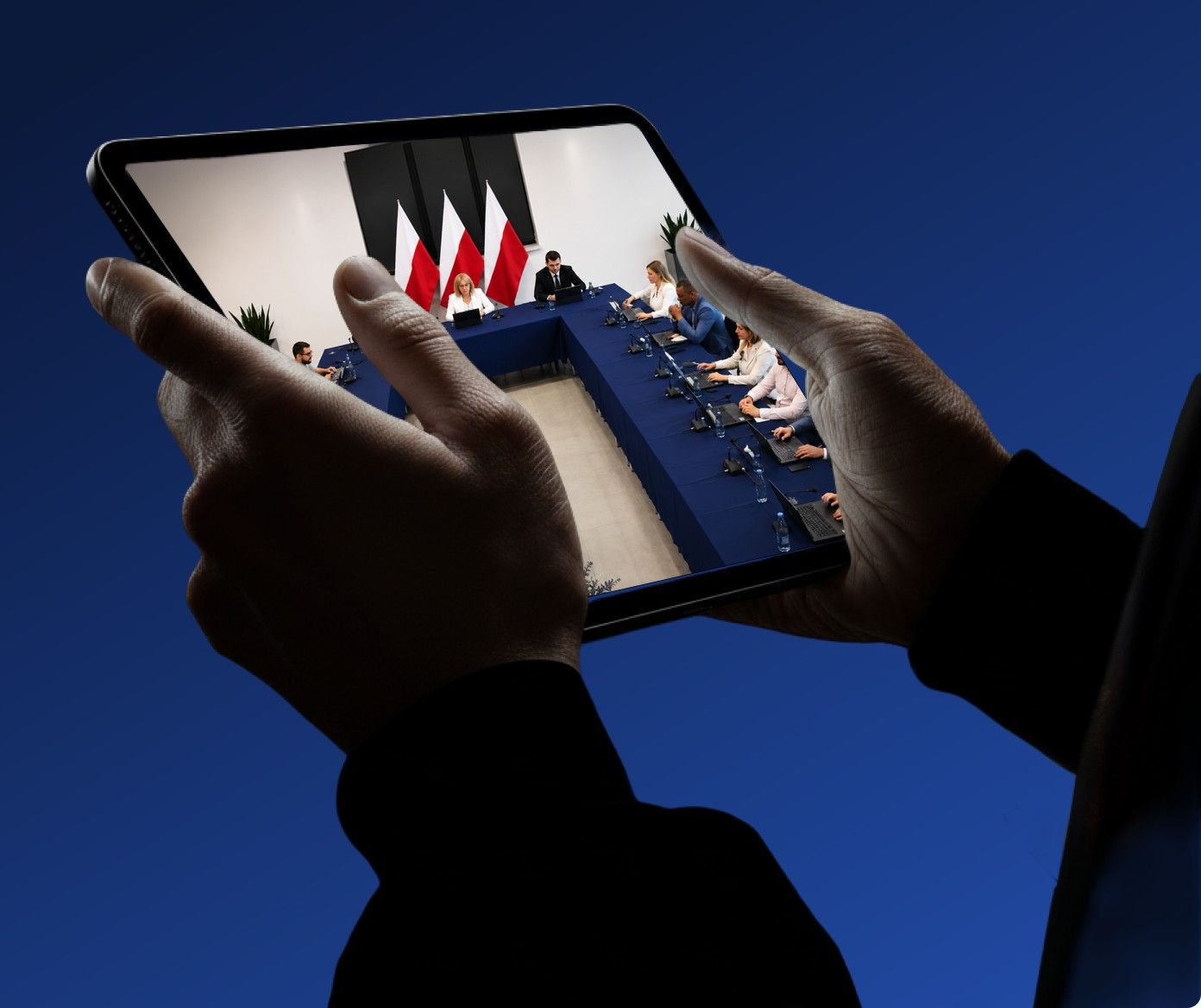
Broadcasting a meeting is more than a camera placed in the room. The quality and stability of the recording also depend on sound, lighting, the internet connection, the computer running the broadcast and how the devices are integrated with Councillo.
That is why we help local governments choose equipment that fits their real working conditions: the size of the room, the number of participants, the way meetings are run and the expected broadcast quality. The office does not have to test configurations on its own or risk buying the wrong gear.
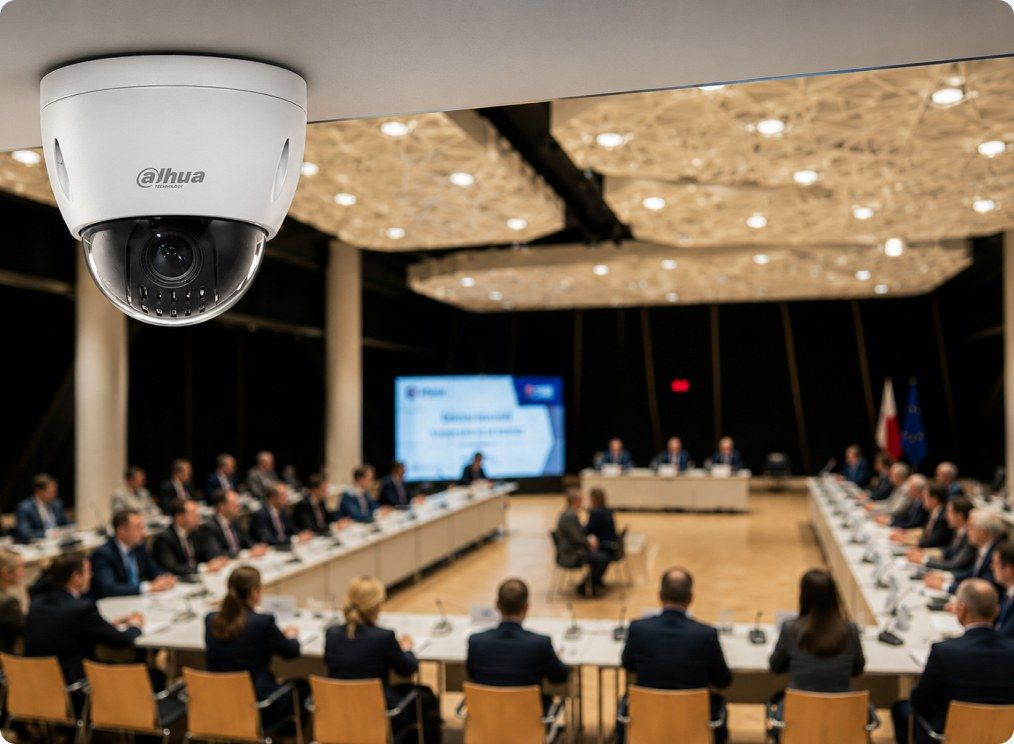
A well-chosen technical setup makes broadcasts more predictable - with a clear picture, intelligible sound and more confidence that the recording will also be available after the meeting ends.
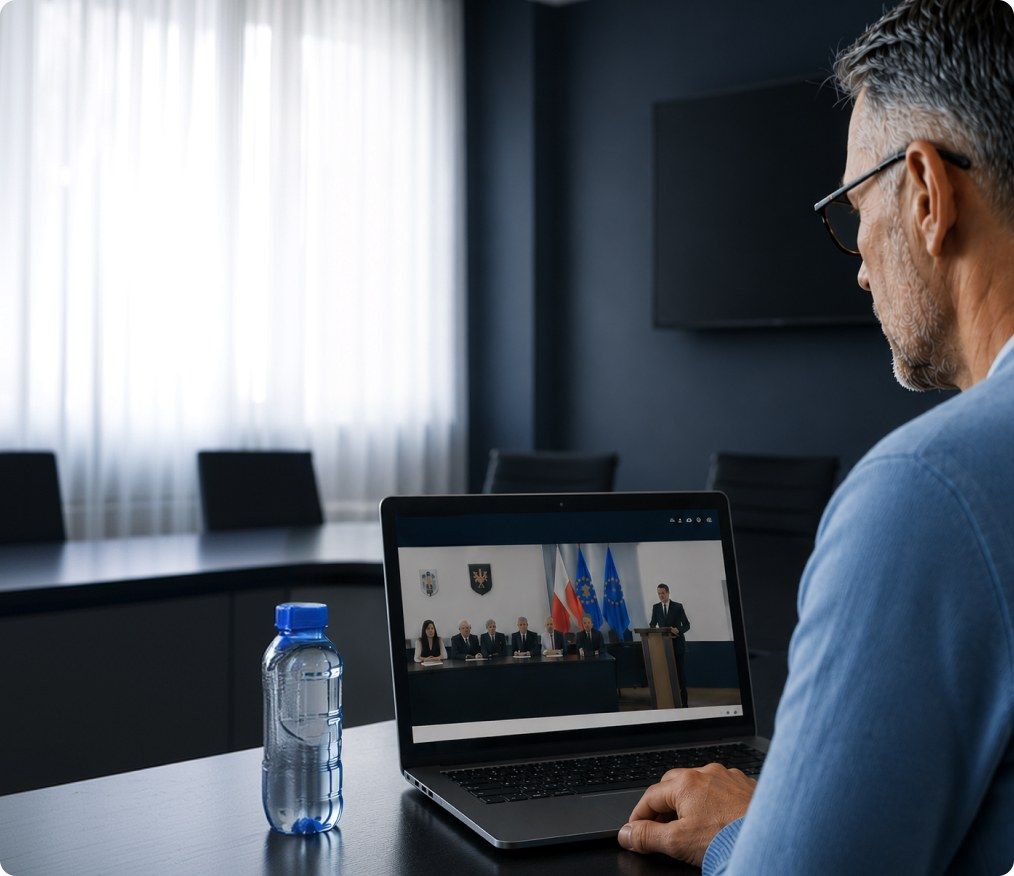
Why is it worth it?
Equipment matched to the room reduces the risk of problems with picture, sound or stream smoothness.
Cameras, microphones and the audio-video configuration help residents follow the meeting more clearly.
You do not have to compare random devices yourself and check whether they will work with the broadcast system.
A small committee room needs different equipment than a large council chamber with many seats and a microphone system.
Well-prepared infrastructure makes not only live broadcasting easier, but also recording and sharing footage later.
The equipment can work with the solutions for broadcasting, running meetings and sharing recordings with residents.
The Councillo ecosystem
We choose equipment that keeps Councillo running smoothly - together with our application it lets you record the course of a meeting and create audio scenarios.
The devices enable stable, high-quality and free broadcasting of meetings using YouTube.
We also design audio-video systems for other organisations - such as public offices and universities.
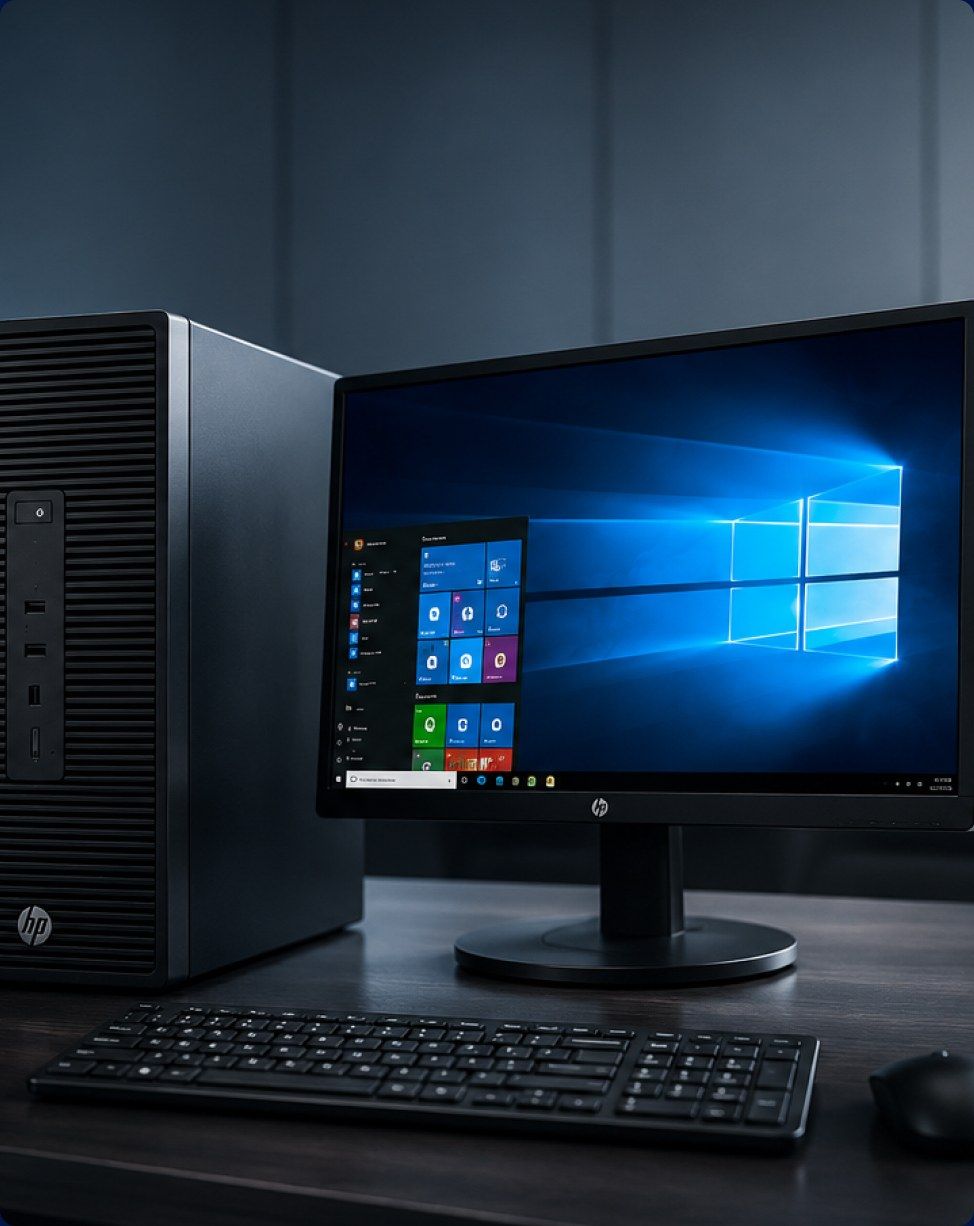
Our recommendation
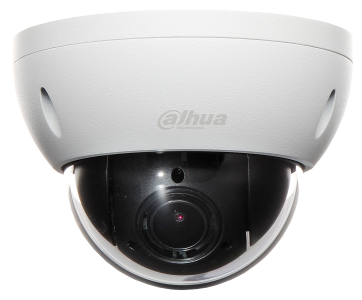
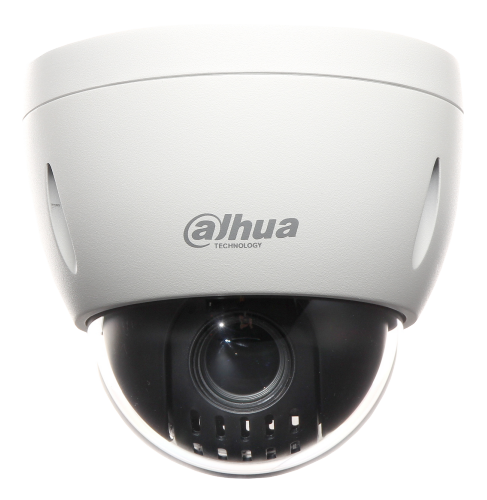
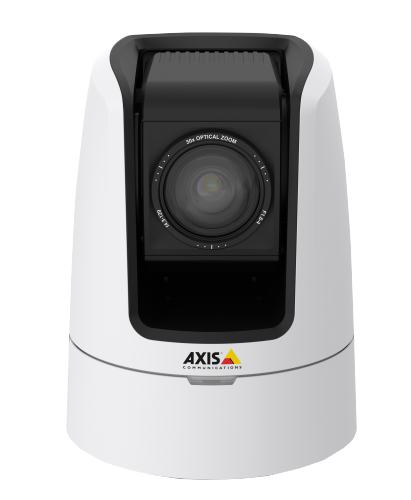
What parameters?
| Parameter | Minimum requirements |
|---|---|
| Processor | Intel Core i5 |
| Memory | 4 GB RAM |
| Hard drive | SSD |
| Monitor resolution | Full HD (1920x1080 pixels) |
| Internet connection speed | 4 Mbit/s (dedicated to the chamber) |
| Video server | YouTube account |
| Microphones in the chamber | A central microphone, several wireless microphones or a conference system |