Fast voting
A vote takes a moment and the result is known immediately.
Features
Run votes quickly and without mistakes. Results are visible right away and every vote goes into the meeting documentation.
About the feature
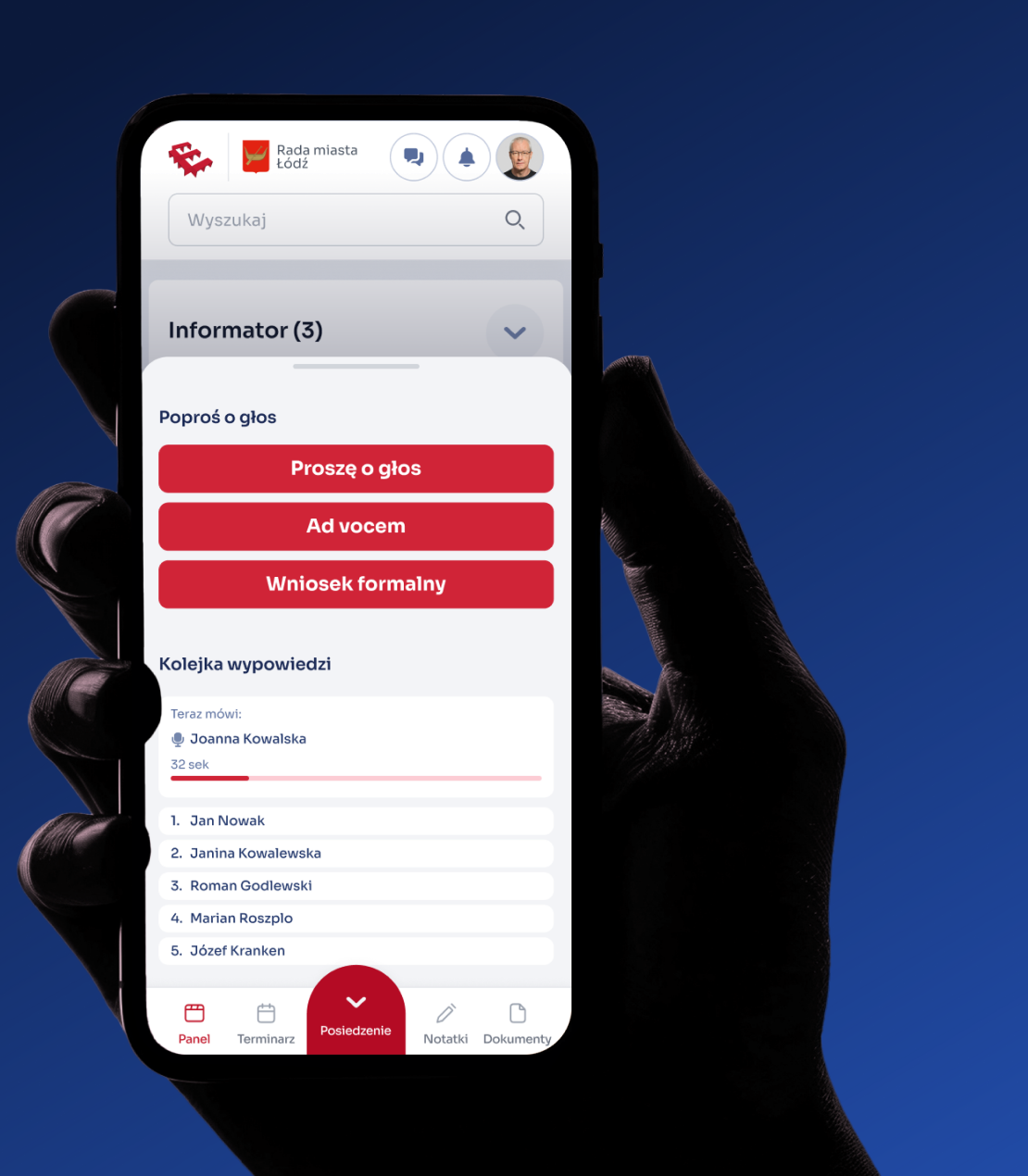
Councillors vote on their own devices – a laptop, tablet or smartphone. No extra hardware is needed.
Councillo supports all types of votes used in the work of councils and committees, including recorded votes.
Results appear immediately after the vote ends and can be shown on the screen in the council chamber.
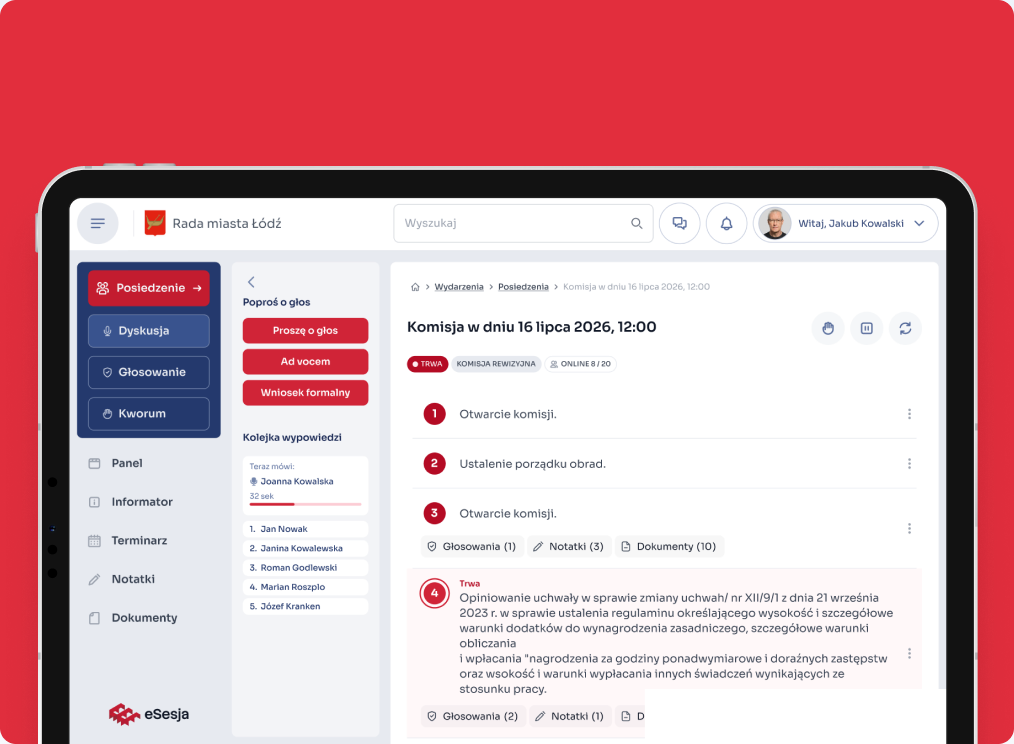
The chair starts a vote with one click from the agenda. The system watches the quorum and shows who has not voted yet.
Results are saved with the meeting. You can go back to archived votes at any time.
Why is it worth it?
A vote takes a moment and the result is known immediately.
The system works on a laptop, tablet and smartphone.
Support for votes used by councils and committees, including recorded votes.
Clear information on how each councillor voted.
Access to the results of all votes since the beginning of the term.
The system watches the quorum and shows missing votes.
Councillo ecosystem
Voting results are automatically assigned to agenda items and can go into the draft minutes.
Recorded results can be made available to residents.
During a broadcast, results can be shown to viewers live.

Click an element on the screen to learn more about the selected feature.
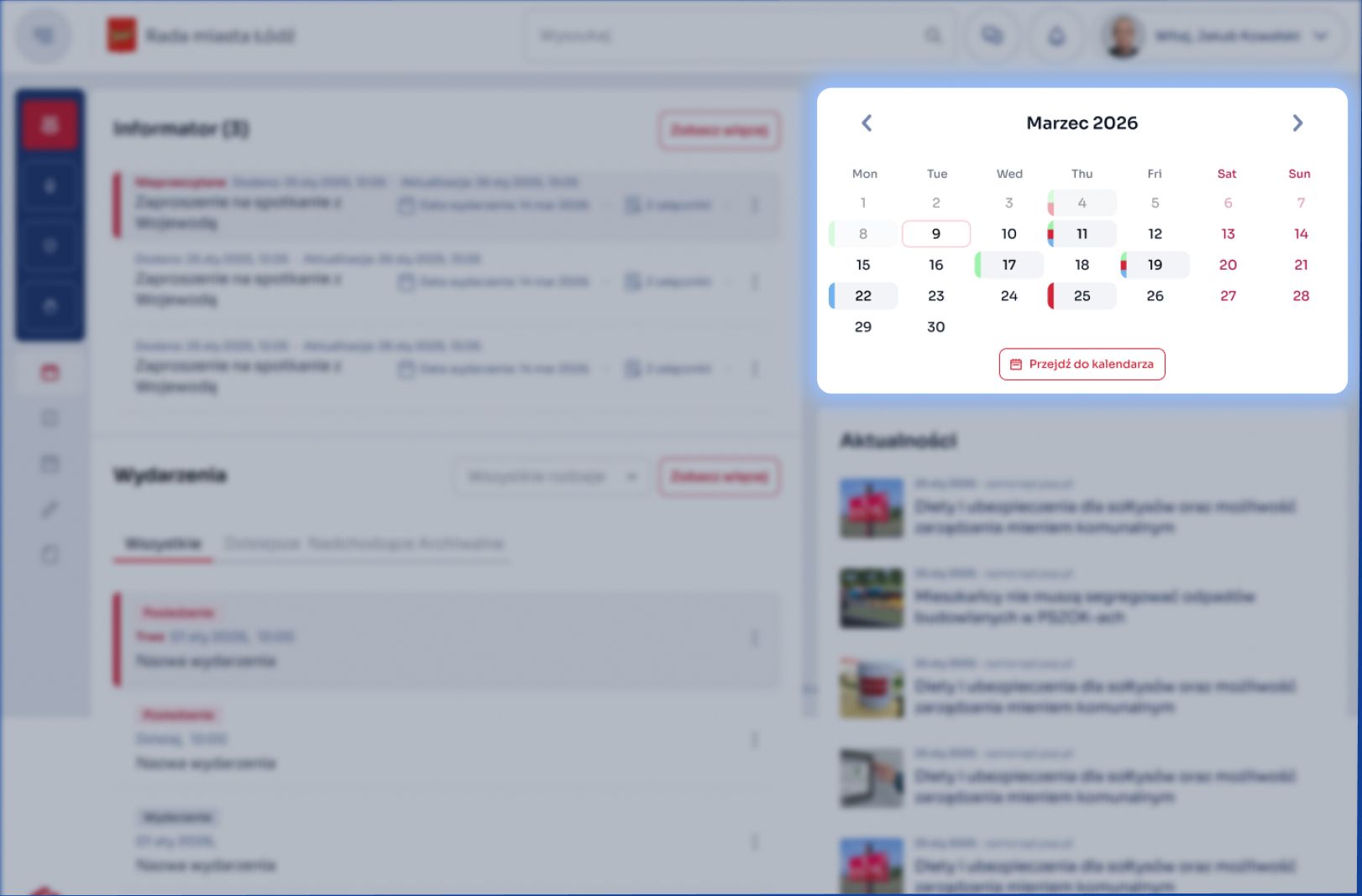

Manage events and dates in a convenient month view.
Quick access to meetings, discussion, votes and documents.
A list of upcoming sessions and committees with filtering.
Enter the meeting with its agenda and materials.