An orderly speaker queue
The system orders requests automatically by type and time, reducing chaos during discussion.
Features
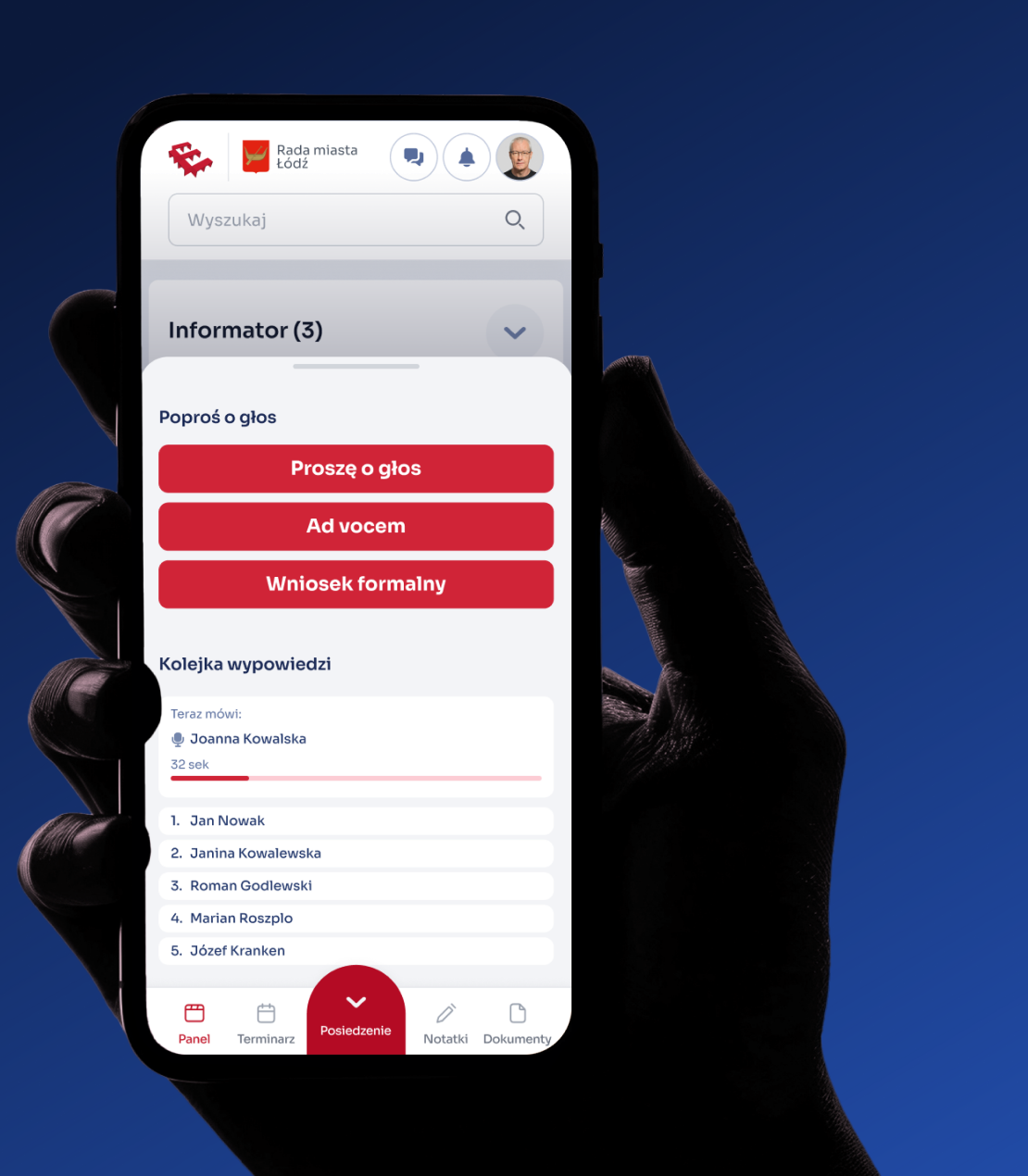
Keep discussion in order during sessions and committee meetings. No more chaotic requests to speak or debates getting out of control.
About the feature
Councillors and other authorised persons request the floor directly from their devices, and the system automatically orders the queue by type and time of the request.
The chair keeps full control over the meeting and decides who gets the floor – directly in the system or through an operator.
The list of speakers can be shown on users’ devices and on the screen in the council chamber, so everyone knows who is waiting to speak.
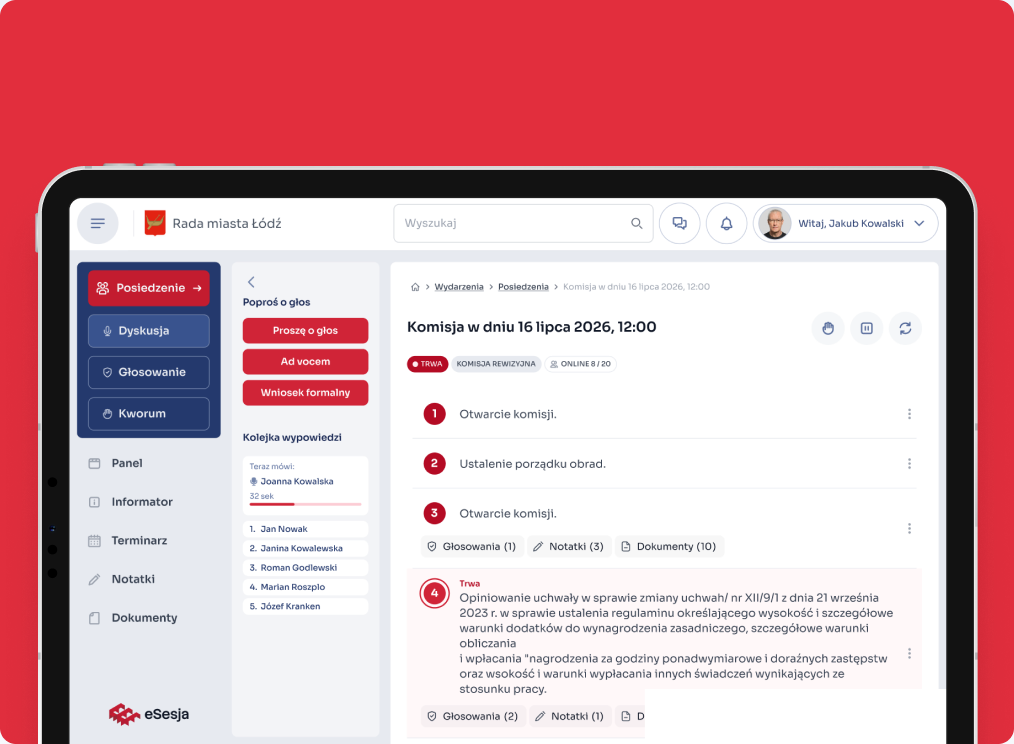
The module supports different types of requests, such as a regular request to speak, ad vocem or a point of order. Additional priorities can be set, e.g. for the mayor or other persons entitled to speak first.
Thanks to integration with conference systems, Councillo can also support automatic microphone control and recording of speeches. Information about the discussion can then feed the recording and the draft minutes.
Why is it worth it?
The system orders requests automatically by type and time, reducing chaos during discussion.
The chair decides who gets the floor without losing control of the meeting.
The list of speakers can be shown on councillors’ devices and on the chamber screen.
Regular speeches, ad vocem and points of order with the right priorities.
Connected to a conference system, Councillo can control microphones automatically.
Data about speeches can feed the recording and the draft minutes.
Councillo ecosystem
Connected to a conference system, Councillo can record the meeting and mark the recording with agenda items and speeches of individual persons.
The recording can be played from a chosen agenda item or a specific speech. This information can also go automatically into the draft minutes.
The recording of the meeting can be exported and made available to residents.

Click an element on the screen to learn more about the selected feature.
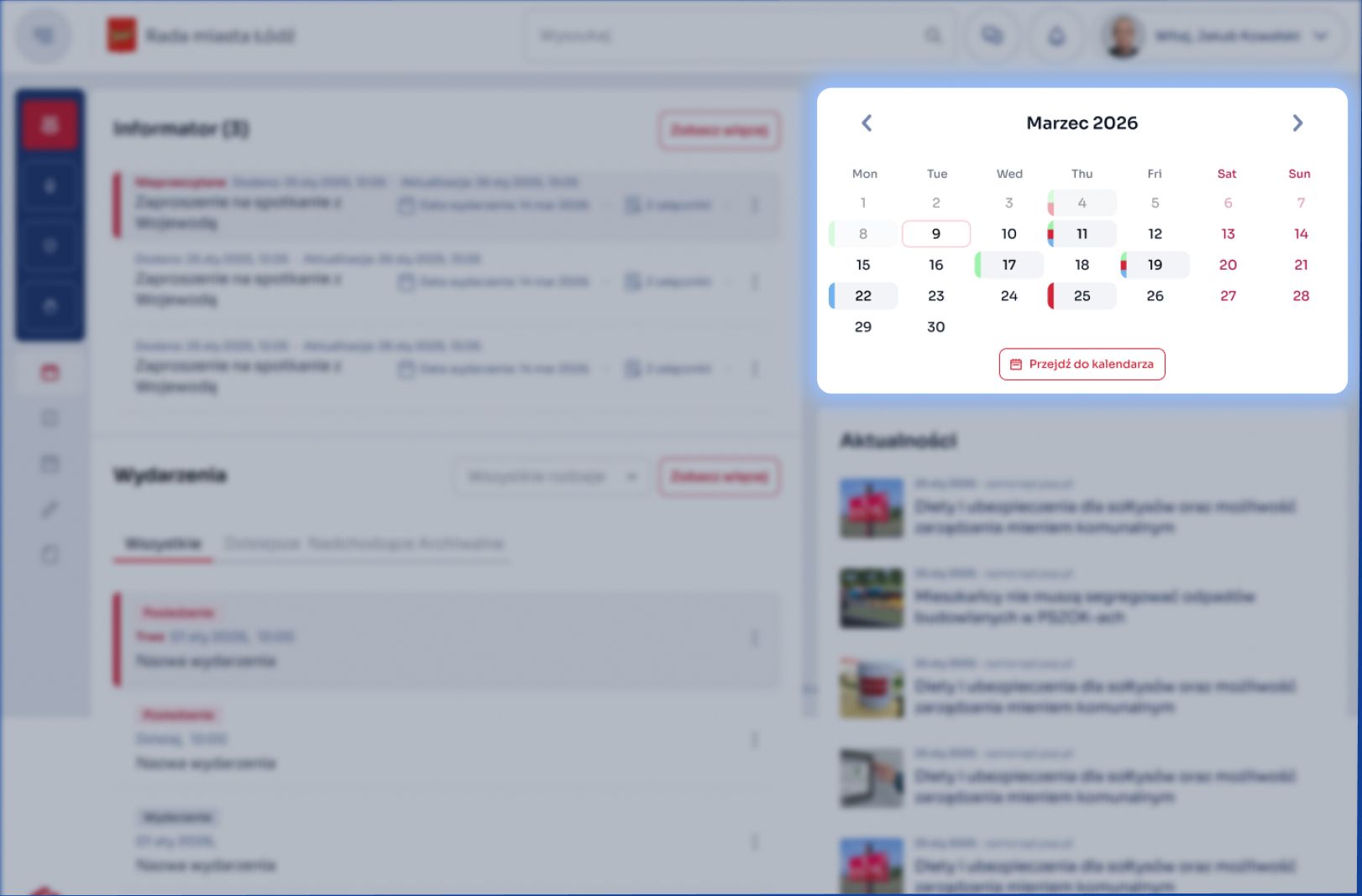

Manage events and dates in a convenient month view.
Quick access to meetings, discussion, votes and documents.
A list of upcoming sessions and committees with filtering.
Enter the meeting with its agenda and materials.